
Leaf Peeping


According to Wikipedia, “Leaf peeping is an informal term in the United States and Canada for the activity in which people travel to view and photograph the fall foliage in areas where leaves change colors in autumn”. So what happens when you are not within a commute to an area with gorgeous fall foliage? We edit it!
I’m going to be transparent here and let you all know that those beautiful end result photos from your photographer do not always look that way when they are pulled from the camera. Yes you still look beautiful before and after but there are many details in the editing world that alter the appearance of an image before it even hits the internet. From adjusting lighting and contrast to changing color schemes entirely, the possibilities that lie within editing techniques are endless.
Each and every photographer has a different style when it comes to photographing and editing images whether that is a warm fairytale-esque image, cool and contrasted style, bold and bright, or anything in between or outside of that box; really no two photographers edit identically. I personally have always edited in an “what the eyes see” type of style, I enhance the natural basis of the images to make the photographs life-like accurate to how the eyes view real life. As of recently I’ve been pushing those boundaries. I have been implementing a fairytale take on my images without pulling them straight from a story book. I want the images to still look life-like and as the eyes may see them but edit in a way to make them feel a little more magical. This tends to result in a slight offset white balance, lots of contrast and popping highlights and boca, and some color mix work! A common “how to?” question that I'm asked and also a great way to dip your toes into the world of editing and photoshop is learning how to change seasons.
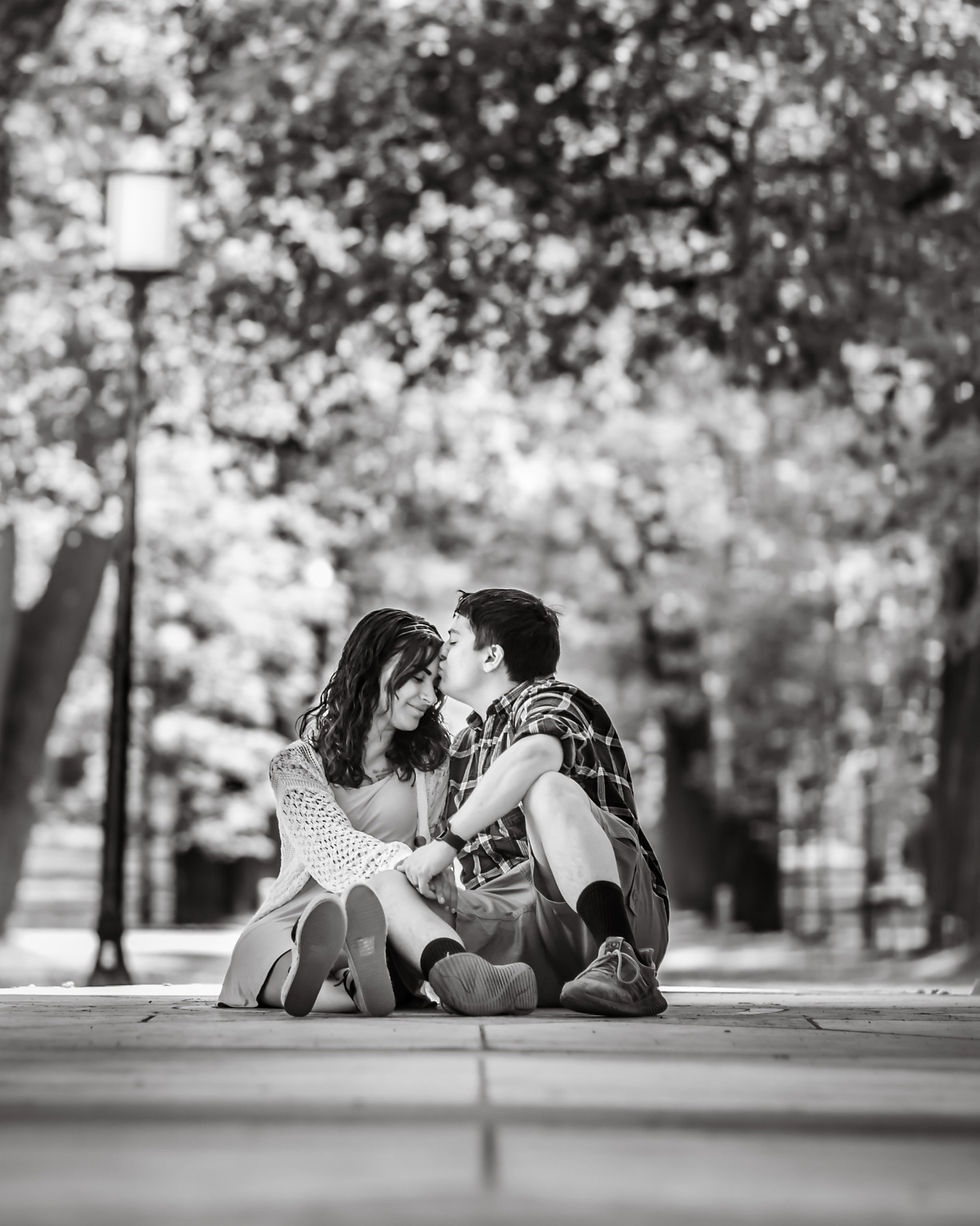
For example, it’s late summer. Everyone is ready for fall with the changing leaves and cozy vibes. So you take to a local park with plenty of foliage, a blanket and coffee in hand. You snap a shot of your subjects snuggled up and….oops the leaves are green still.

Now what? We upload to them photoshop and fix that right away! Here is my step by step for turning summer into fall. (Side Note: I may do this technique very different from other photographers, this is what I have found to work best for me personally. As previously stated all photographers edit very differently!)
First things first, software. You can use whatever software fits you best.
Personally I use Adobe software. I upload files via Adobe Bridge - convert to DNG files, base edits begin in Camera Raw and final touches happen directly in Adobe Photoshop. Once we are in bridge we decide who our keepers are with the star rating system.
Secondly, now that all of this is out of the way the magic can happen. I suggest doing a base edit, cater the image to how you may normally edit and go from there. We can toggle the color mix a bit at this point - What are some fall colors? Orange, Red, Yellow! So now we find all of our spring colors and turn them around.
Turn the green Hue more yellow, up that saturation, Hue those yellows a touch to the orange so they're not too prominent of a yellow, Deepen those oranges and saturate the reds. I also tend to pull the blues down a bit too to stray away from the coloring getting too muddy.
Third, The thing about editing is the results are going to vary per image, if you have a subject with a warmer or deeper skin tone then pumping up all of these warmer hues in Camera Raw might not offer the best results for you. If that is the case you're going to want to try a different take.
Pulling our image directly into Adobe Photoshop we are going to select our subject right off of the background. From here we will mimic what we did in part one and play around with color mix. We are trying to show less attention to our green and blue shades and focus on our warmer tones. Keep it realistic though, too much will give an odd illusion to the image, you can always pull the saturation down a bit if the image gets too vibrant for your liking. If there are varying items throughout the image you can create a mask and paint throughout the image. Once you're satisfied you can pop your subjects back in, warm them up if needed to fit in better and viola!


Lastly, Something I tend to do as well if I am changing seasons is overlays. In this case I may add in an overlay of some floating leaves, or a sun overlay that peeks through the trees and adds to the warmth and lighting of the image. Export JPG to file, rename, and output! Feel free to comment any questions you may have regarding color mixing or anything you may want me to touch on!
Comments